
Connected sales and payments
Raise invoices from estimates, allocate payments across invoices and credits, and deposit received payments. Supported sales forms carry addresses, customer messages, email settings and line tax codes.
Ask Claude or ChatGPT who owes you money, why expenses changed or which bills are due. Then ask it to prepare bills, match receipts or code your card charges. Zeno connects your assistant to QuickBooks Online and brings the proposed entries to you for approval.
Client books? Zeno for Firms → · Your own company? Zeno for Business →
Use estimates to prepare invoices, record the payments that settle them, and correct groups of entries after review.
Read the September update
Raise invoices from estimates, allocate payments across invoices and credits, and deposit received payments. Supported sales forms carry addresses, customer messages, email settings and line tax codes.
Fix the customer, vendor, class or location on supported transactions. Review changes to expense coding or move a purchase to the correct bank or card account.
Attach a folder of supporting documents to QuickBooks transactions. Compare proposed and posted amounts, and download results for your working papers.
Some QuickBooks fields and transaction types cannot be changed through Zeno; those are flagged before posting. Attaching documents is recorded in your work history and does not go through the entry approval screen.
Get bills and bank transactions ready, reuse your coding instructions and check the result in QuickBooks. Here are some of the tasks you can hand to your assistant.
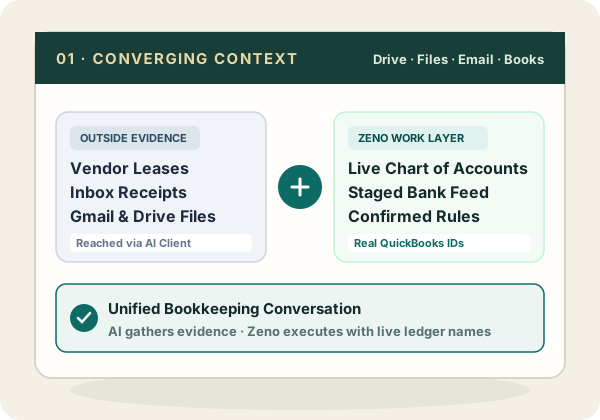
If you have given your assistant access to your files, email or calendar, it can use those sources to prepare entries using your QuickBooks accounts and saved instructions.
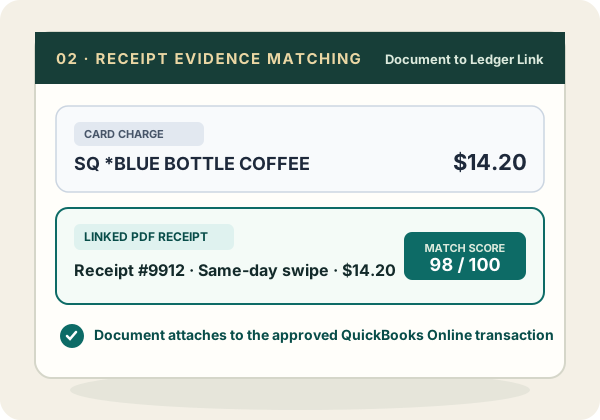
Point the AI at a folder of receipts. It matches them to card charges, shows you the pairs it is unsure of, and attaches each approved receipt to the QuickBooks transaction.
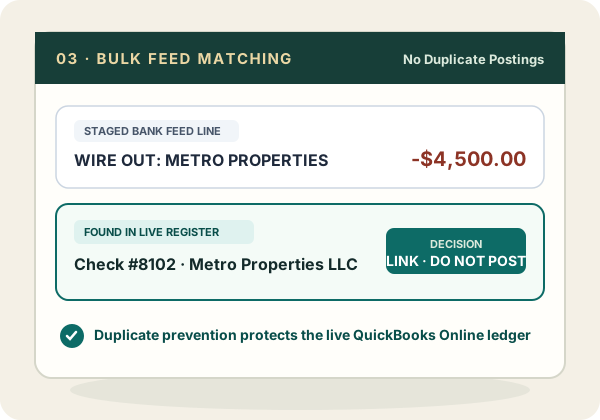
Filter and code many bank lines at once, link the ones already in the books, pair the transfers, and hand the rest over as one plan.
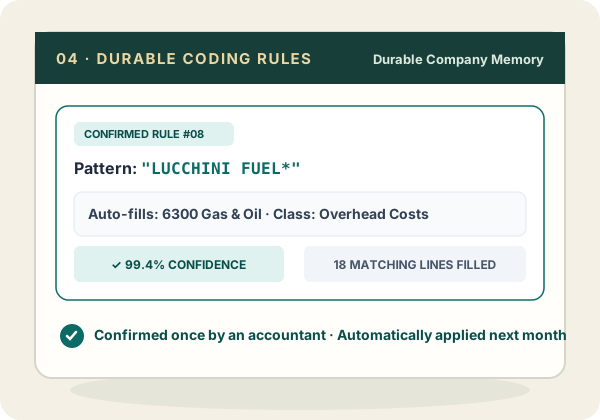
Preview which lines a rule would catch, confirm it, and new activity from that vendor arrives already coded with the account, class, payee and memo.
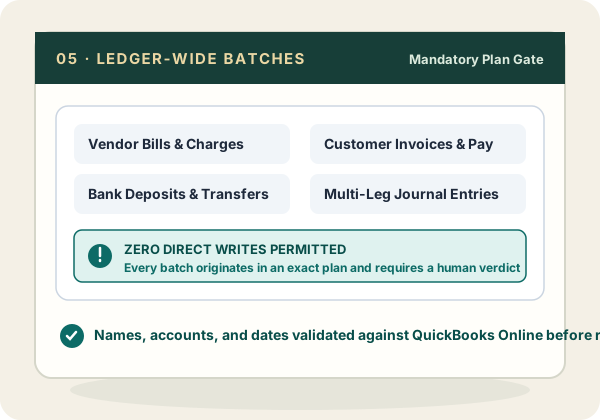
Ask your assistant to prepare invoices, payments, deposits or adjusting entries using your QuickBooks records. Review the entries together before they post.
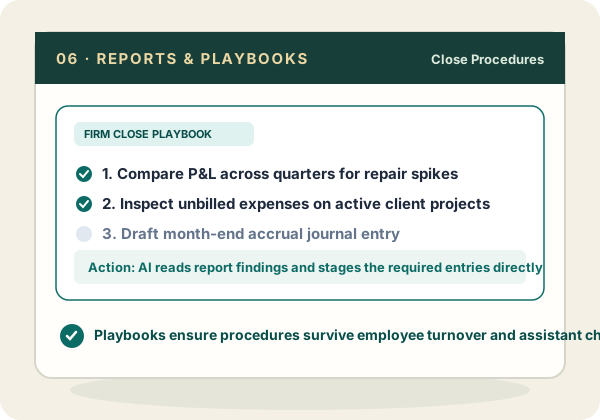
Ask about the books, compare companies, bring in the firm’s close checklist, and carry on from the answer into prepared work.
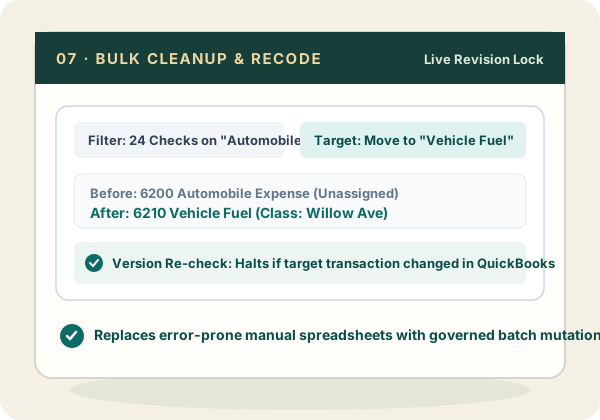
Find transactions by type, date, name or account. Review supported corrections together before changing the books. Compared with SaasAnt and Transaction Pro →
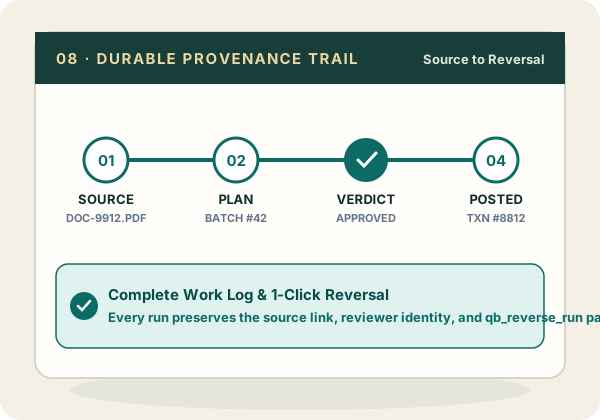
The source, the rule that fired, the person who approved it, the QuickBooks transaction it created, and the reversal if there was one stay together.
Every tool a connected assistant can call is written down, along with what each one refuses to do: read the complete tool list →
QuickBooks Online’s API exposes nothing for its own bank feed, which is why Zeno stages the activity itself: see how bank feeds work →
Comparing Zeno with other ways to use AI in QuickBooks? read the comparisons →
Both editions let you prepare and review entries with saved coding rules. Firms also lets you manage outside clients, see unfinished work across the practice and keep each client’s instructions separate.
Answers for the owner, a faster month for whoever keeps the books, everyone included.
$79/monthThree client books to start, everyone at the firm, each client in its own lane.
From $149/month